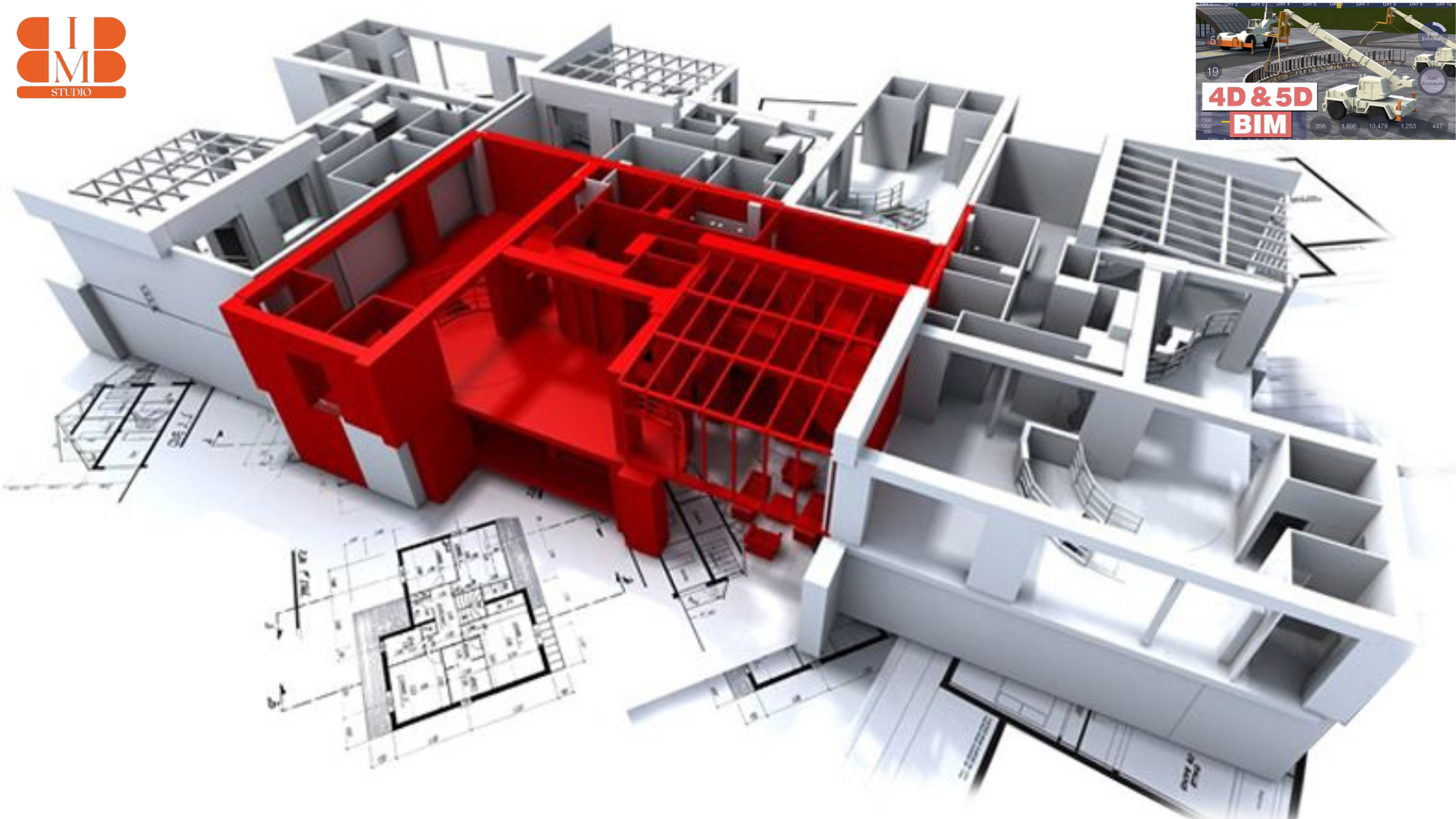
In building, time is money. Every delay means more cost, less happy clients, and risk to trust. Old ways like 2D drawings and Excel sheets do not work for today’s builds. This is where 4D BIM software helps. So what is it? 3D BIM is a digital look at a building – walls, windows, beams, and systems.
Add the fourth dimension to it: time. Now, you see the project, but you also see when each part of the build happens. This is what 4D BIM software does. Why is this so important today? Clear plan of work – Instead of a schedule, you see the work happen step by step.
Stop the risk – Before going to the site, you can see if trades fight each other (e.g. plumbing against electric). Speak better – Clients and others who do not know the work can now “see” the plan of work, not just read a chart. Make a better choice – Project leads can look at different ways of working to find the best, safest and cheapest one. 4D BIM, in short, gets the plan of work to go from a map into the hands of those who carry out the work. The plan of work gives the building team the eye they have always wanted.
Why Construction Management Professionals Should Learn BIM Software
Whether you’re a project manager or a contractor, you’re familiar with the stress of balancing budgets, deadlines, and teams. Throw in unexpected site confrontations or inadequate coordination, and the situation rapidly gets out of hand. It is here that studying BIM software—particularly 4D BIM software—is a life-altering skill.
1. Improved Management of Project Timelines
Classic Gantt charts or spreadsheets often can’t show real-world nuances. With 4D BIM software, however, you can associate construction tasks with 3D models. That is, you’re not only reading schedules—you’re seeing the building rise over time. This helps identify bottlenecks and make changes before delays occur.
2. Better Collaboration Between Teams
Construction management is rarely a one-person show. You’re dealing with architects, engineers, subcontractors, and clients—all with different priorities. BIM creates a common digital platform where everyone works on the same data. That means fewer misunderstandings, fewer clashes, and smoother workflows.
3. Competitive Edge in the Industry
AEC companies globally are embracing BIM as the new norm. Having the best BIM software places you at the forefront in the market, particularly when customers are expecting greater efficiency and clarity. It’s no longer a “nice-to-have” capability—it’s becoming imperative.
4. Decreased Risk and Savings
By gaining knowledge of BIM coordination tools, you are able to catch problems before they hit the site. That means fewer reworks, fewer disputes, and more accurate cost estimations. As a project manager, this translates to safeguarding your profit margins and your reputation.
5. Career Growth and Global Opportunities
As more countries mandate BIM in public projects, professionals with BIM expertise are in demand worldwide. Whether you’re aiming for leadership roles or expanding your services internationally, mastering these tools opens doors.
Best 4D BIM Software for AEC Professionals
So, which of them actually make the cut? Let’s go through the 4D BIM software list that every project manager, contractor, and AEC professional should familiarize themselves with.
1. Autodesk Navisworks
If you’ve ever heard of 4D BIM software, chances are Navisworks was the first name mentioned. It’s used across the globe by contractors who want reliable scheduling and smooth project coordination. For many AEC firms, this is the starting point—and the standard—for 4D planning.
2. Synchro Pro
Here’s where things get interesting. Synchro Pro has quickly become one of the best BIM software solutions for project managers who want detailed 4D simulations. If your goal is to visualize construction progress in a way that everyone—from engineers to clients—can understand, Synchro is a game-changer.
3. Trimble Vico Office
Want more than just time? Vico Office brings cost and scheduling into the same environment. That means you’re not just seeing when things happen, but also how much they’ll cost. It’s a smart move for firms who need both 4D and 5D planning under one roof.
4. Bentley OpenBuildings Designer
This one is all about flexibility. Contractors and consultants who deal with both buildings and infrastructure projects turn to Bentley because it connects design with construction sequencing. If you’re managing multidisciplinary projects, this is worth exploring.
5. Tekla Structures
Now, let’s discuss structure. Tekla is the one to use when your project features intricate steelwork, bridges, or heavy structural systems. Include 4D sequencing, and you have powerful insights into how construction will progress on site—before a single beam goes up.
6. Revizto
And then there’s Revizto. It’s not merely another coordination tool—it’s becoming an emerging darling of AEC teams who need quick, cloud-based 4D collaboration. If you require something straightforward, easy to access, and easy to scale, Revizto is right in your wheelhouse.
How BIM to BIM Studio Supports 4D BIM Implementation
You know the strength of 4D BIM software. But the challenge lies in effectively utilizing it. That’s where a BIM to BIM Studio comes in.
Rather than fighting with sophisticated tools yourself, you have a team of experts who already understand working with the finest BIM software. They’ve done it with Navisworks, Synchro, Vico, Tekla, and more—so you don’t spend time trying and failing.
Seamless 4D Planning
Just think of connecting your project timeline straight to your 3D models. It sounds challenging? With a BIM studio, it’s just the norm. Their professionals correlate each activity in construction to the virtual model, and you can see your project timeline come to life. That’s the advantage of outsourcing your 4D configuration.
Scalable Resources for Every Project
Whether you are working on a small business premises or overseeing a grand infrastructure development project, expanding an in-house team is costly. A BIM studio provides flexibility to expand or contract resources based on fluctuating workload. You pay for only what you require—without affecting quality.
Clash-Free Coordination
Here’s where projects most often fail—separate trades working in isolation. A BIM to BIM studio ensures architecture, structure, and MEP models are perfectly coordinated prior to construction initiation. With 4D BIM software, this coordination also takes into account when each piece gets put in, which eliminates conflicts on site.
Faster Decision-Making
Rather than browsing through spreadsheets or waiting for updates from various contractors, you have a single source of truth. One digital model. One schedule. One platform. That means you can make smarter decisions in minutes, not weeks.
Real-World Example
Suppose you’re overseeing a hospital project. Deadlines are tight, budgets are tight, and there are several teams. With a BIM to BIM studio, you can model the entire construction sequence, identify bottlenecks, and correct them before they reach the site. The outcome? Timely delivery and fewer expensive errors
Future of 4D BIM Software in Digital Construction
Let’s be honest—construction isn’t slowing down. Projects are larger, deadlines are tighter, and clients require more transparency than ever before. That’s why the future of 4D BIM software is more powerful than ever in digital construction.
Smarter Scheduling with AI
We’re moving toward an era where AI will work hand-in-hand with the best BIM software. Imagine predictive schedules that adjust automatically when delays happen or resources change. With AI and machine learning, project managers won’t just react—they’ll anticipate issues before they appear.
Integration with Digital Twins
4D BIM isn’t going as far as time-based simulations. The future wave is digital twins—live, data-based copies of buildings. When used in conjunction with 4D BIM software, digital twins can run construction timelines in real-time, providing you with planning and live tracking in one environment.
Cloud-Based Collaboration
The days of one user at a time accessing the model are over. The way forward for 4D BIM software is on the cloud where architects, engineers, and contractors can all work together updating the schedules in real-time. This will ensure that collaborative global working is effortless even across time zones.
AR and VR for Enhanced Visualization
Here’s the exciting part: instead of watching construction sequences on a screen, project managers will step into them with AR and VR headsets. You’ll be able to walk through a virtual construction site, check progress, and even train workers before the real work begins.
Standardization Across the Industry
As governments and corporations embrace BIM mandates, the roster of BIM software employed globally will begin adhering to tighter standards. What this implies is seamless interoperability among tools such as Navisworks, Synchro, and Tekla—and less frustration for contractors toggling between platforms..
Where to Learn These Software Tools?
If you are committed to establishing a career in the AEC sector, studying 4D BIM software is no longer a choice but an imperative. But where do you start? We will demystify it step by step.
Begin with formal vendor training first. Autodesk, Bentley, and Trimble provide formal programs for their software such as Navisworks, Synchro, and Tekla. Not only do these trainings clarify how the program works but also teach you how to use it in actual construction schedules. Additionally, vendor certifications provide good credibility to your professional resume.
Then, consider online learning websites. Sites such as Udemy, Coursera, and LinkedIn Learning offer beginner-to-advanced level courses on various tools from the list of BIM software. The benefit? Learn at your own pace, review modules as needed, and even practice using sample project files.
Don’t overlook hands-on workshops and bootcamps. These brief, intensive courses are ideal if you learn by doing. You’ll have access to actual project simulations in a few days or weeks, which accelerates your learning how 4D BIM workflows align with construction planning.
Another fantastic means of learning is by mentorship. Having direct dealings with seasoned professionals or outsource partners exposes you to insider tactics that aren’t necessarily taught in textbooks. Take, for instance, working with BIM to BIM Studio
to learn how to roll out 4D BIM on real-world projects, not theory.
Lastly, become a member of AEC communities and BIM forums. Several experts post free resources, tutorials, and troubleshooting advice. Being active in such groups keeps you informed about new features in the top BIM software and assists you in problem-solving more quickly.
The bottom line? Whether you opt for formal vendor training, online programs, or in-project hands-on experience, there’s no lack of avenue for becoming proficient with 4D BIM software. The trick is repetition—practice what you know and use it in real-world applications.
Conclusion
The construction industry is evolving quickly, and survival requires embracing wiser equipment. One of the best methods for this is with 4D BIM software. By connecting 3D models with project timelines, it allows contractors and project managers to see how each task progresses, see issues ahead of time, and maintain projects on schedule.
The good news is that there’s a long list of BIM software out there today, ranging from Navisworks to Synchro, each with its own strengths for various types of projects. Regardless of the scale—be it residential, commercial, or infrastructure—you can have a platform that suits your workflow.
But don’t forget, software is not enough. True success happens when these tools are paired with the right expertise and strategy. That’s where BIM to BIM Studio makes a difference, making it easy for AEC professionals to utilize and manage 4D BIM efficiently while reducing costs and time.
Ultimately, the best BIM software is less technical in nature and more about producing projects confidently, precisely, and efficiently. If you wish to dominate the digital construction revolution, it is time to discover 4D BIM and incorporate it into your workflow.
(FAQs)
1. What is 4D BIM software?
4D BIM software links a 3D model with the schedule of the project. It enables contractors and project managers to visualize how construction activities change over time, making planning and coordination more efficient.
2. Why should AEC professionals use 4D BIM?
Because it prevents delays, detects risks early, and enhances collaboration. With 4D BIM, teams collaborate on the same timeline and model, making delivery smoother.
3. What are the tools that are listed in the 4D BIM software?
Among the most popular tools are Navisworks, Synchro, Tekla, and Bentley. Each of the platforms has features appropriate for various sizes and complexities of projects.
4. How does BIM to BIM Studio facilitate the 4D BIM implementation?
BIM to BIM Studio assists companies to establish, maintain, and implement these tools on actual projects. From training to coordination, they offer the knowledge so that you can make the most from your software investment.
5. Is it difficult to learn 4D BIM?
Not really. With vendor training, online courses, and expert guidance, you can learn the essentials fast. Real project practice makes learning easier.
6. What’s the future of 4D BIM in building construction?
The future looks good. As more firms go digital, 4D BIM will be the norm for planning and execution—enhancing precision and productivity throughout the AEC sector.