BIM Course Overview – Building Information Modeling
In today’s rapidly changing Architecture, Engineering, and Construction (AEC) market, old 2D design techniques are no longer acceptable. Building Information Modeling (BIM) is transforming the way professionals design, plan, build, and manage buildings and infrastructure.This detailed BIM Course is structured to provide learners, architects, engineers, and construction experts with the technical expertise and industry insights necessary to succeed in today’s construction world.If you’re a student or a practicing professional who wants to enhance your skills, this course offers practical training on top BIM applications like Autodesk Revit, Navisworks, AutoCAD, and BIM 360, while learning real-world project workflows and collaboration methods.
BIM Essentials: Foundations of Building Information Modeling
Master the basics of BIM, including essential concepts, tools, and workflows for intelligent project planning and design.
BIM Professionals: Practical Application For Industry Use
Boost your BIM skills through real-world applications, project coordination, and industry-standard processes.
BIM Mastery: Advanced Strategies in BIM Design and Coordination
Become proficient in advanced BIM methods for high-level project management, coordination, and interdisciplinary integration.
12 + Software & Workflows
Gain hands-on experience with in-demand Building Information Modelling tools used by global firms and experts.
Three Certifications to Endorse Your Skills
Earn globally recognized certificates and enhance your architectural expertise with the BIM professional course.
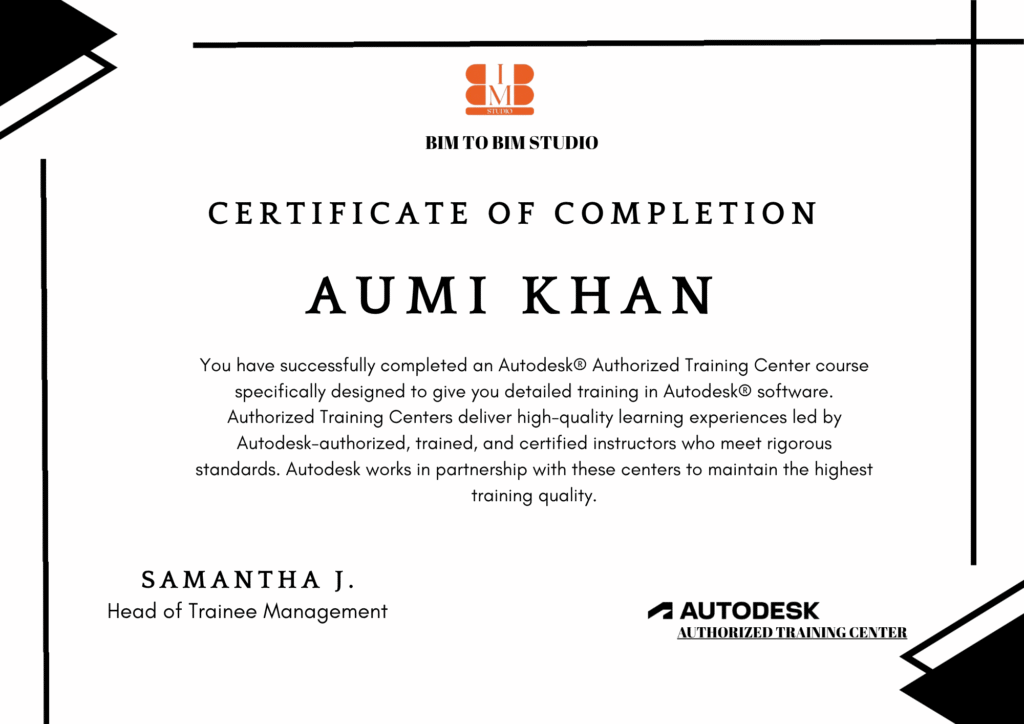
BIM To BIM Studio Program Certificate
The BIM Program certificate from Novatr is signed by your Lead Mentors becoming a valuable addition to your resume.
Autodesk Certification
The Autodesk Certified User certification verifies your skills in Autodesk software and plugins taught through the Program.
NSDC Certificate
This industry-recognised certificate from the government validates your industry-relevant skills in BIM.
Our Learners Work In Companies Buildings In World
48%
Average Hike in CTC after Graduating from Novatr
343%
Highest Hike Achieved by a Novatr Learner
83%
career success rate
500%
Hiring Partners across our platform
45%
Countries across globe where our learners are from
Our Imapct
Transforming the Future with Building Information Modeling (BIM) A new era of digital construction is here. From architects and engineers to contractors and BIM managers, our training empowers AEC professionals to design smarter, build faster, and collaborate better.
25+
Countries Adopted BIM with Us
1500+
BIM Professionals Trained
80%
Career Growth in BIM Roles
4.9/5
Learner Rating
Modules & Program Overview
Our BIM program is designed to take learners from the fundamentals of digital construction to advanced project applications. Starting with Revit basics, architectural modeling, and documentation, you’ll progress into structural and MEP modeling, coordination, 4D/5D workflows, and BIM standards—equipping you with industry-ready skills for real-world projects.
Module : 1
BIM Essentials: Foundations of Building Information Modeling
- BIM & Revit Introduction – 2 classes
- Structure Basics – 4 classes
- Architecture Modelling Basics – 7 classes
- MEP Basics – 3 classes
- Documentation & Sheets – 4 classes
- Autodesk Recap Basics – 2 classes
- Mini Project/Portfolio – 4 classes
- Problem Solving - 4
Module : 2
BIM Professional: (Essentials + 10 More Classes = 40 Total )
- Advanced Families & Parametric Design – 2 classes
- Advanced Structure (Steel, Reinforcement) – 2 classes
- Advanced MEP Systems – 2 classes
- Collaboration & Work-sharing – 2 classes
- Clash Detection (Navisworks Intro) – 2 classes
- Autodesk Recap Basics – 2 classes
- Mini Project/Portfolio – 4 classes
- Problem Solving - 4
Module : 3
Additional Point
BIM Mastery ( Essentials + Professionals + 10 More Classes = 50 Total)
Duration: Beginners To Advanced Courses 2 To 4 Months
- Dynamo for Revit (Automation Basics)
- BIM Collaboration with Consultants
- Clash Detection & Coordination Reports
- Quantity Takeoff & BOQ from Revit
- LOD (Level of Development) in Practice
- Advance Sheet setup and documentation
- Model Auditing & Health Check – Warnings, purging, performance optimization
- IM 360 / ACC Basics – Cloud-based markups, publishing collaboration
- BIM Collaboration with Consultants
- Clash Detection & Coordination Reports
- Basics of measurement & project cost linkage
- From LOD 100 to 400 explained with samples
- Navisworks / Revit Workflow